
Open from your Home Screen.
Use the icon you added for quick access to the web app. You can also continue opening Manaforge directly in Safari.
Manaforge / iPhone web app
Add Manaforge to your iPhone Home Screen from Safari. It opens as a web app, with your training and records close at hand.
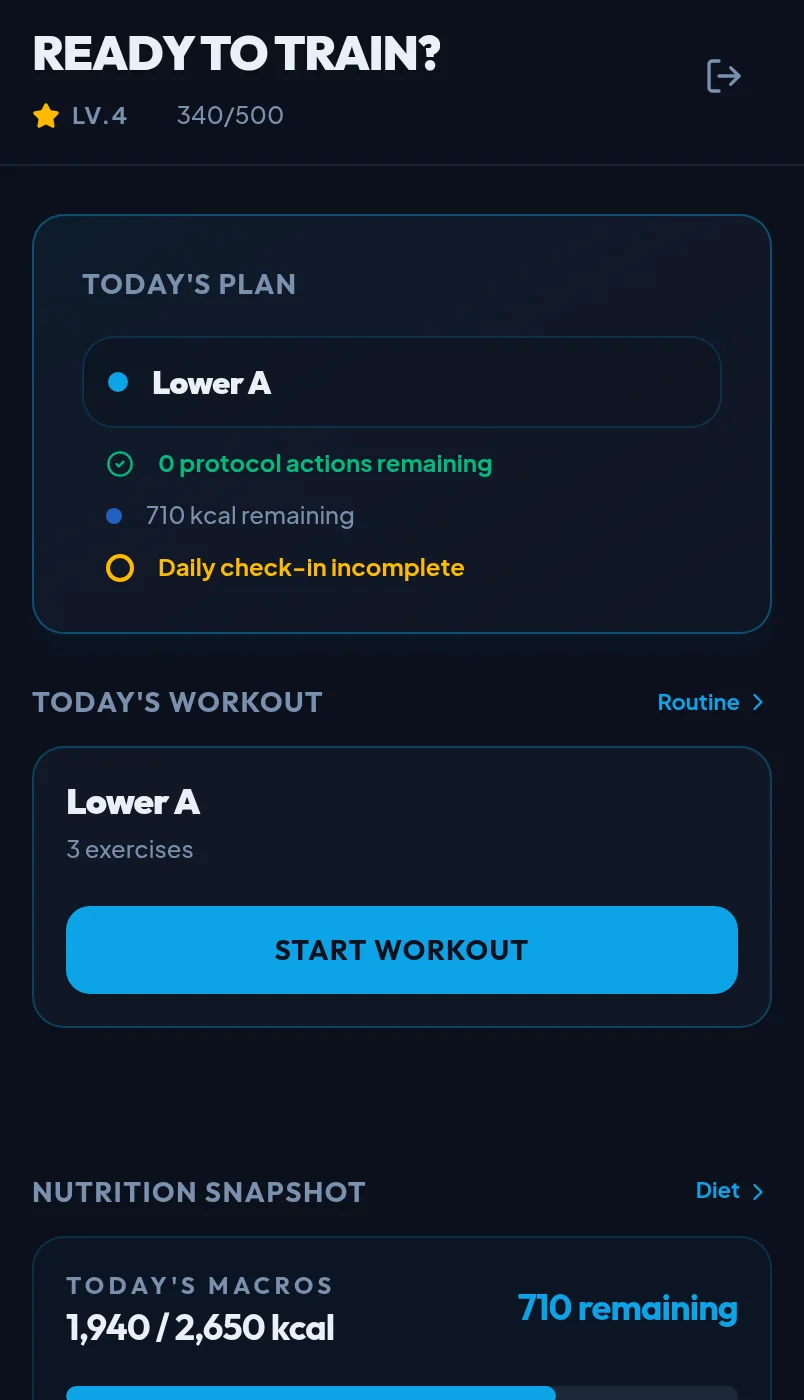
Genuine Manaforge application UI · synthetic sample data
Use Safari on your iPhone for this setup. The wording of iPhone menus can vary by iOS version.
Visit manaforge.fit in the Safari browser on your iPhone. Sign in or create an account when you're ready.
In Safari, tap the Share button, usually shown as a square with an upward arrow. Depending on your layout, it may be at the bottom or top of the screen.
Scroll through the Share sheet if needed, then select Add to Home Screen.
If your iPhone offers an Open as Web App option, enable it. Then tap Add to place Manaforge on your Home Screen.
Tap its Home Screen icon to open the web app. Sign in to access your athlete account.
This installation adds the Manaforge web app through Safari. It is not a native iPhone App Store download. Your account is still the same Manaforge account you use on the web.
Use the icon you added for quick access to the web app. You can also continue opening Manaforge directly in Safari.
The Manaforge Fit Android app has an official Google Play listing.
Make sure the page is open in Safari rather than an in-app browser. Open Safari's Share sheet and look through its actions for Add to Home Screen. If the option still isn't there, check your iPhone's Safari and iOS settings.
For a Manaforge account or access issue, contact Manaforge and choose Technical support.
Ready when you are
Start with Safari, add the shortcut, and return to your athlete history from your Home Screen.